
Site Implantation
On this page
This article is not available in Français yet. You are reading the English original.
Site Implantation(multiple/Single): – If you assign a Site to a customer, then the customer will be able to add the products on Quote for the selected Sites only.
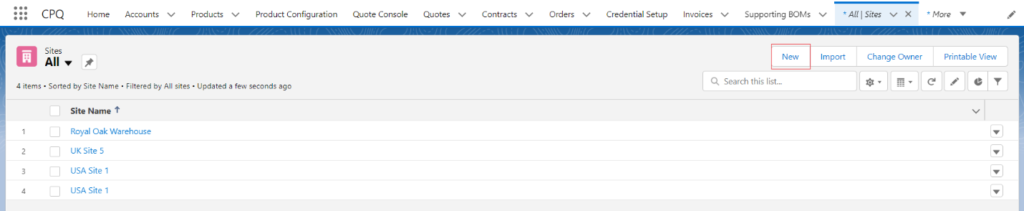
- Find the Site tab from the App Launcher, and click on the tab.
- Once you are on the Site record page, click on the New button.
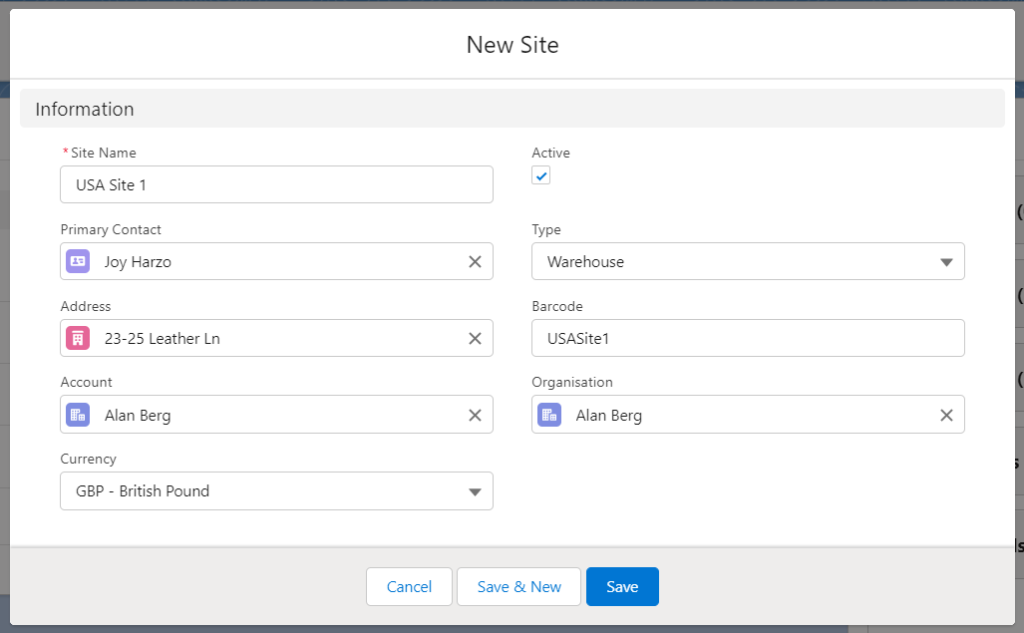
On the New Site creation page, enter the Site Name, select Primary Contact, Address, and Currency, and select the Customer Account for which you want to create the Site. The active checkbox should be checked, Type should be Warehouse, enter Barcode, select the created Organisation Account, and click on Save.
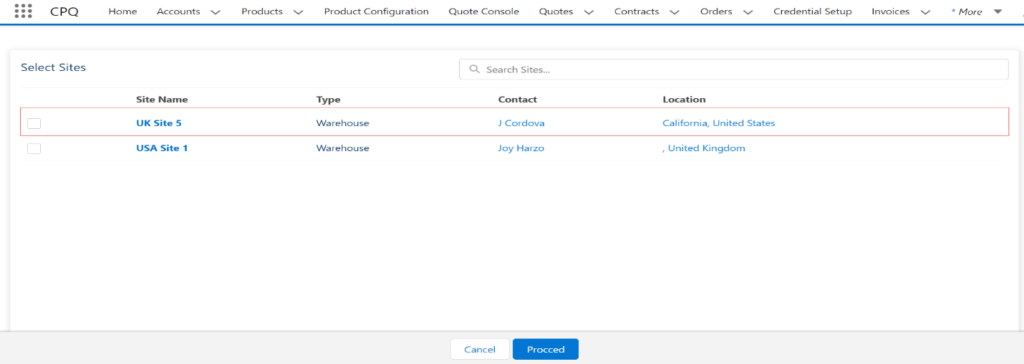
Once you create the Sites for a customer, they can select those Sites while adding Products to the Quote using the Add/Edit button.
Was this article helpful?