
Amazon
On this page
This article is not available in 日本語 yet. You are reading the English original.
To start with AMAZON SETUP, four(4) fields are needed to set up a store for Amazon.
- Marketplace ID.
- Merchant or Seller ID.
- Amazon App’s secret key.
Amazon App’s success key.
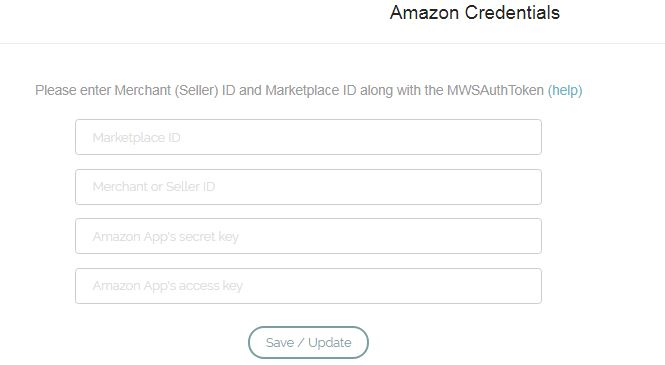
- To get Merchant Token (Merchant ID), go to the following link:
- Customer to go to this link
- Log in with your store credential
You will land on the following page
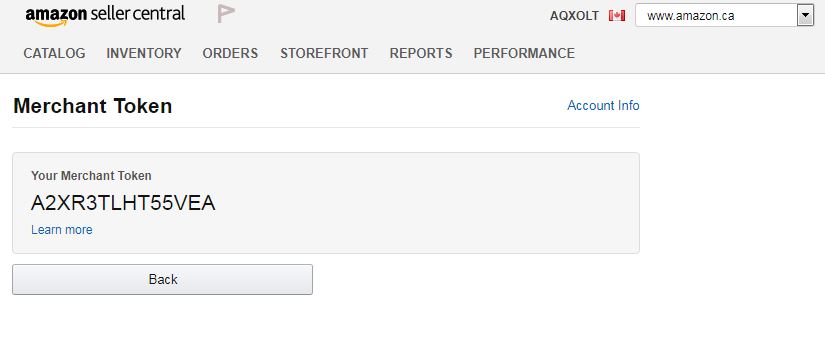
- Marketplace ID, Amazon App’s secret key, and Amazon App’s success key are added in the custom settings of the Salesforce instance.
Was this article helpful?