
Product Configuration
On this page
This article is not available in Deutsch yet. You are reading the English original.
Product Configuration: – The Product Configuration page allows the users to configure or allow to setup related list records for each of the Products. So that the user can select the configured options while creating the Quotes.
Find the Product Configuration tab from the App launcher.

- Open the tab, On the landing page, you can see all the available products. You can search the Products using the Search Bar or you can filter the products by Product Family wise.
Also, the +Product button is available in the upper right-hand corner to add/create the new products.
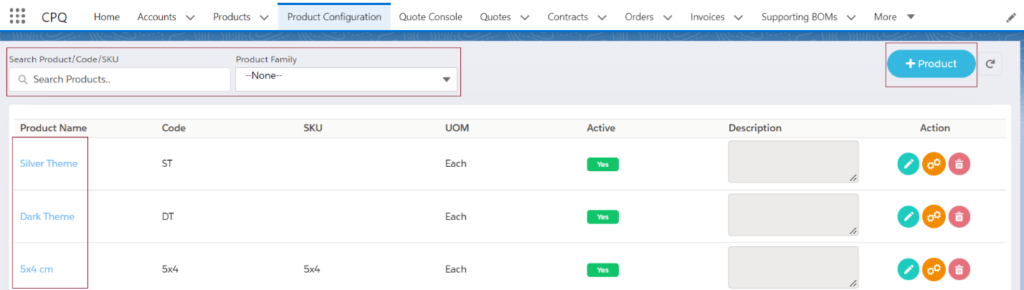
Also, you can edit or delete any existing product from the landing page.
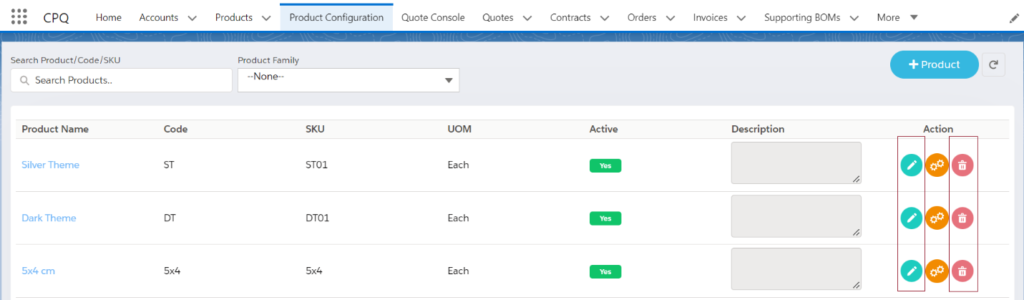
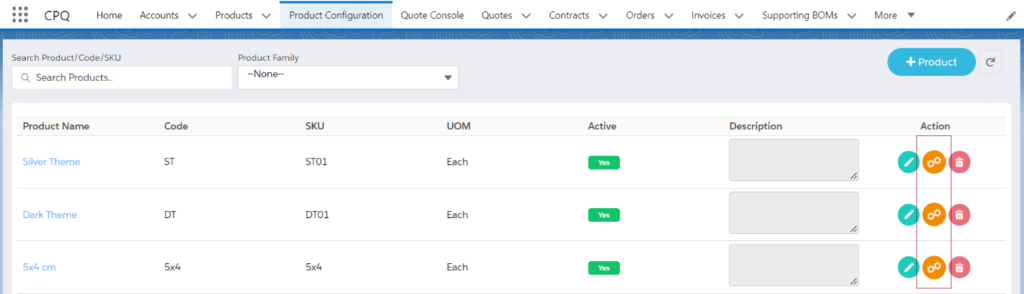
To Configure the products or add the related list records, click on the Configure button.
If the Products has any related records, then you can see all the available related records on the Configuration page.
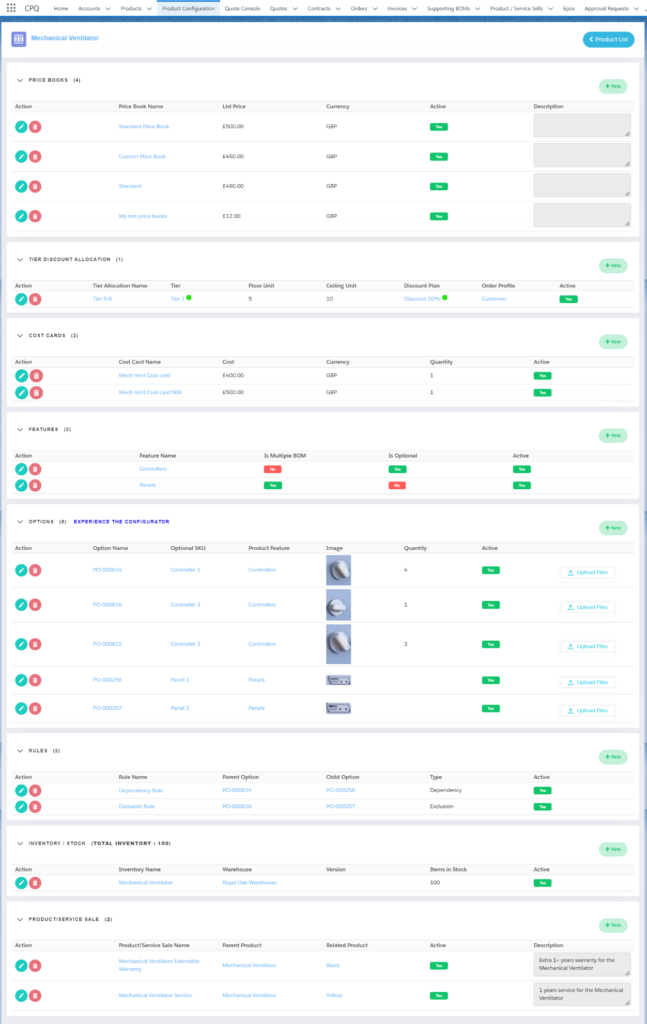
The users can add the new related records (Price books, Tier Discount Allocation, Cost Cards, Features, Options, Rules, Inventory/Stock, and the Product service Sale) by clicking on the +New button.
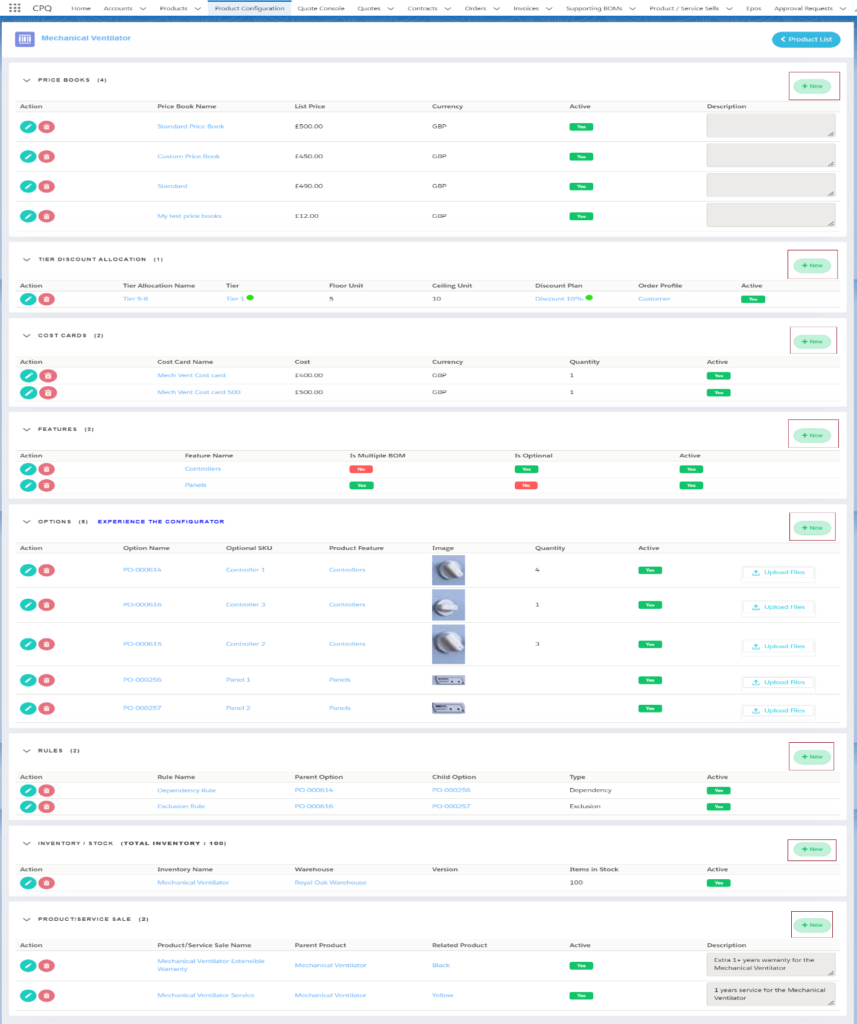
- Price booksPrice books: - Price books track the prices of products and services that your company offers to customers.
- Tier Discount AllocationTier Discount Allocation: - Tier discount is a model in which products or services are sold within a…
- Cost CardsCost Cards: - A standard cost card contains an itemization of the standard amounts of materials, labor, and…
- FeaturesFeatures: - The feature object is related to products, and it "sits" within bundles. They are categories of…
- OptionsOptions: - Product options are what really brings the bundle together. A bundle is created when you add…
- RulesRules: -product rules allow you to evaluate product options within a bundle, or a quote, or a quote…
- Inventory/StockInventory/Stock: - Stock refers to the number of finished or purchased products that are ready to be sold…
- Product service SaleProduct service Sale: - Provides a place to record the status of the support or service provided to…
- Supporting BOMsSupporting BOMs: - Supporting BOMs are used for the Configurable products while creating the Quotes Quote Console. If…