
Receive Payments using PayPal and Authorized.net
On this page
This article is not available in Deutsch yet. You are reading the English original.
The Aqxolt CPQ is integrated with PayPal and Authorized.net, so that the customer can make payments against the Invoices easily.
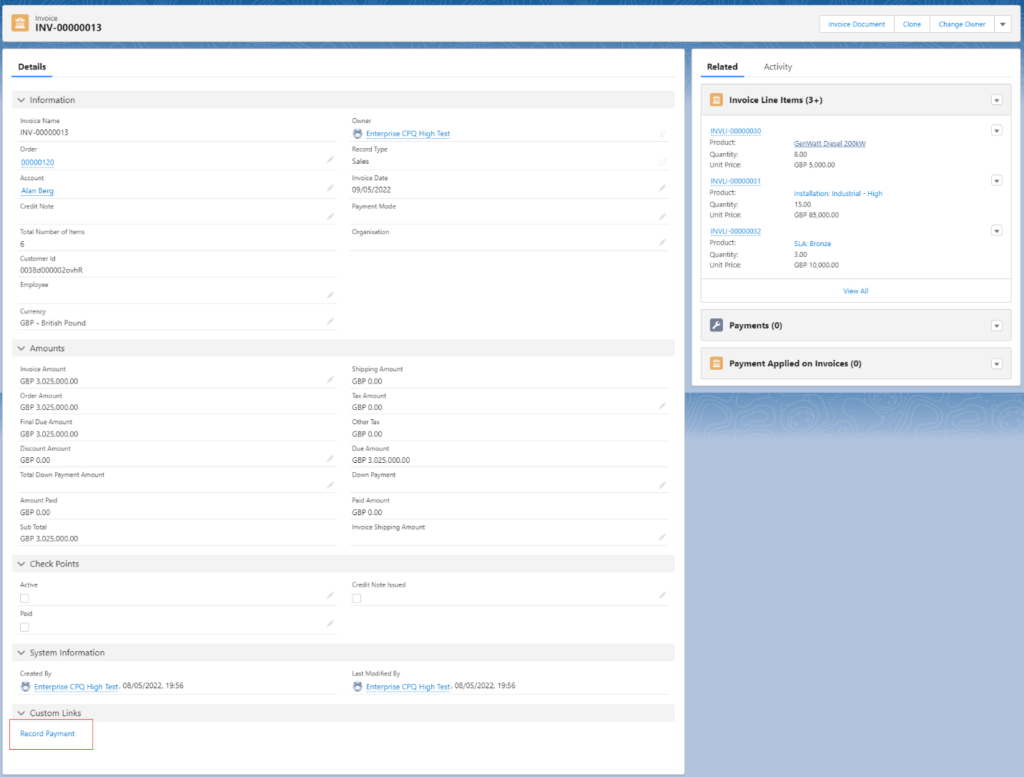
- Open the Invoice record and find the Record Payment option.
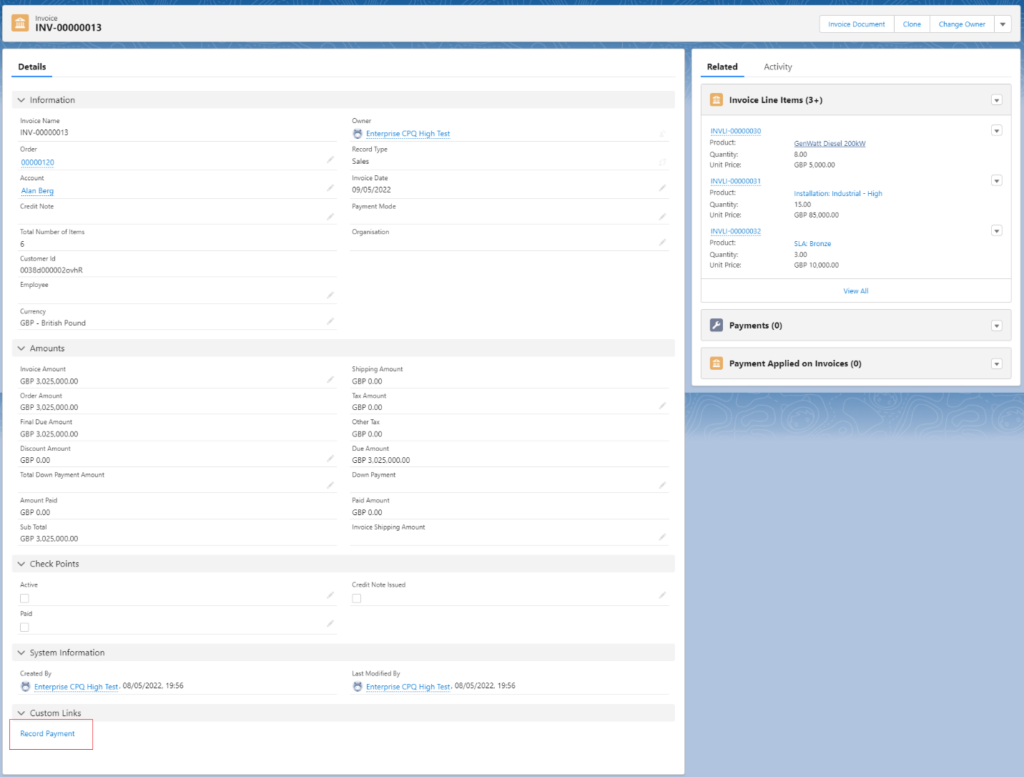
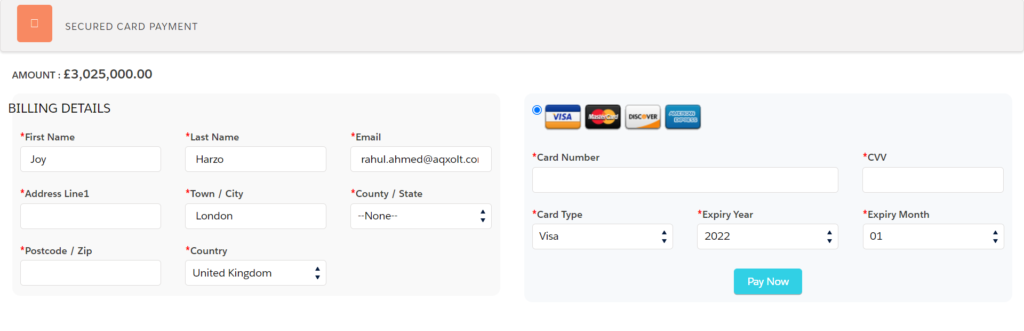
Once you click on the Record payment link, the system will take you to the next page to make the payment.
On the Record Payment page, you can fill the card data and make the payment for the created invoice.
Was this article helpful?