
Queue Wait List
On this page
This article is not available in 日本語 yet. You are reading the English original.
Queue Wait List
Queue Wait List is the process where the waiting time of the people at a hotel, airport, hospital, seaport, or event is been displayed.
- Click on the location tab and select any created location
- It will navigate to the location page in the top right corner click on the drop-down list and select the Queue waitlist button. You will be presented with the screen below.
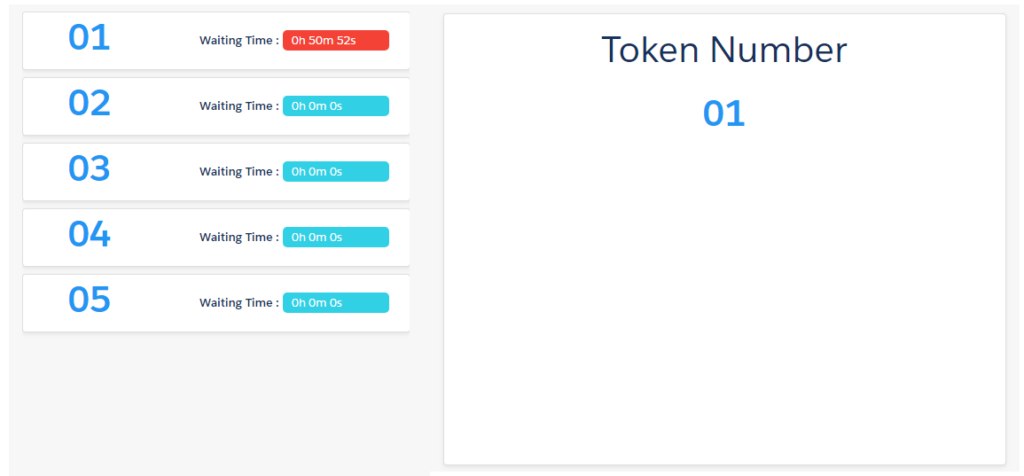
- Here you can find the waiting time which will be running for a particular appointment.
- Once the appointment has been started it will display the total waited time.
- And finally when the Appointment is completed that token number will be removed from the waitlist
Was this article helpful?