
Method Two
On this page
This article is not available in 日本語 yet. You are reading the English original.
METHOD 2:
You can also display barcode directly from URL. For any product, need to pass ‘barcode’ in ‘Code’ variable and ‘barcode type’ in ‘Type’ variable from URL. Visualforce page will directly fetch value from URL and display barcode.
Example 1:
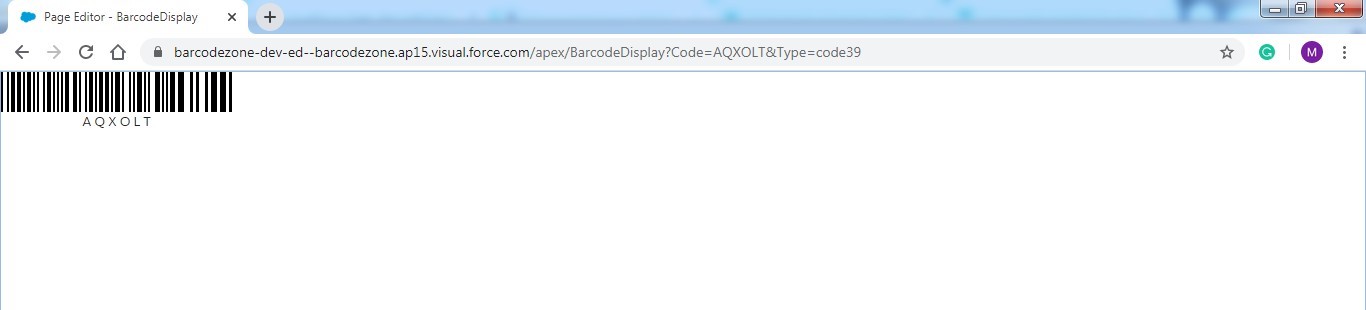
Barcode Code is “AQXOLT” and Barcode Type is “code39”.
Example 2:
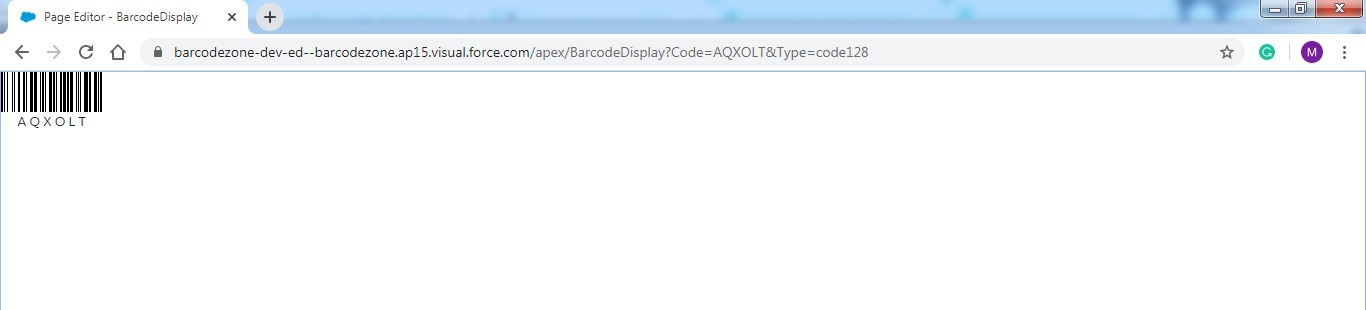
Barcode Code is “AQXOLT” and Barcode Type is “code128”.
Example 3:
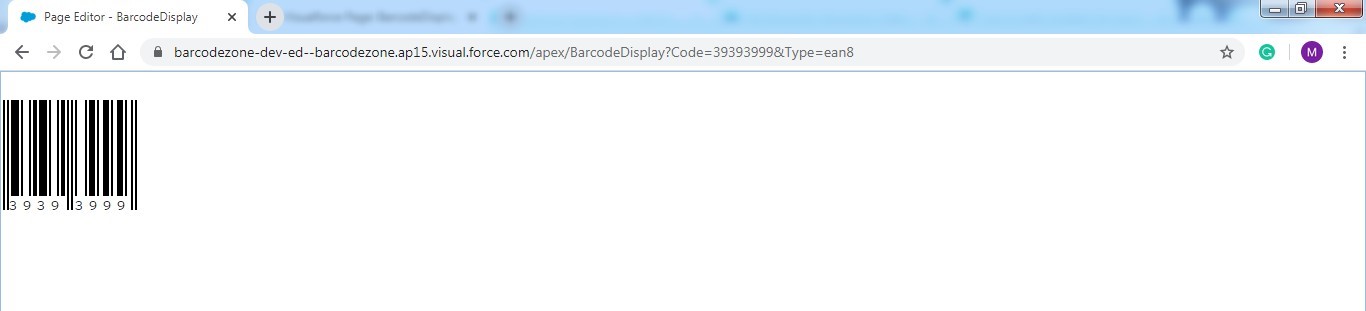
Barcode Code is “39393999” and Barcode Type is “ean8”.
Example 4:
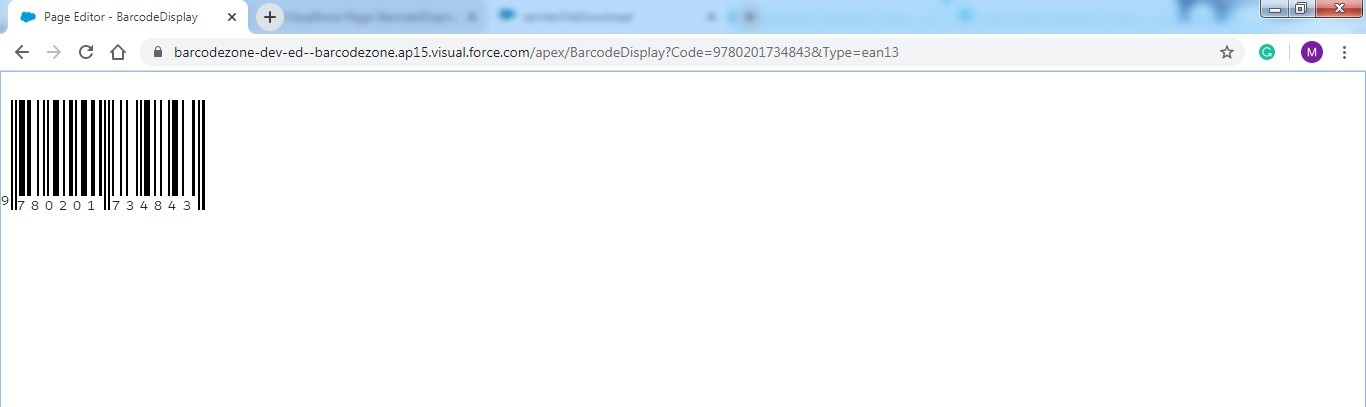
Barcode Code is “9780201734843” and Barcode Type is “ean13”.
Example 5:
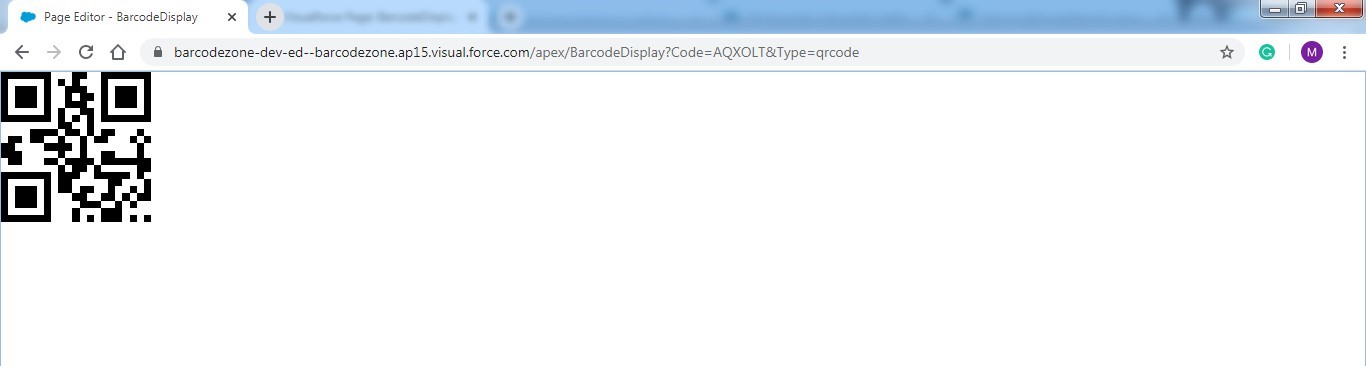
Barcode Code is “AQXOLT” and Barcode Type is “qrcode”.
Example 6:
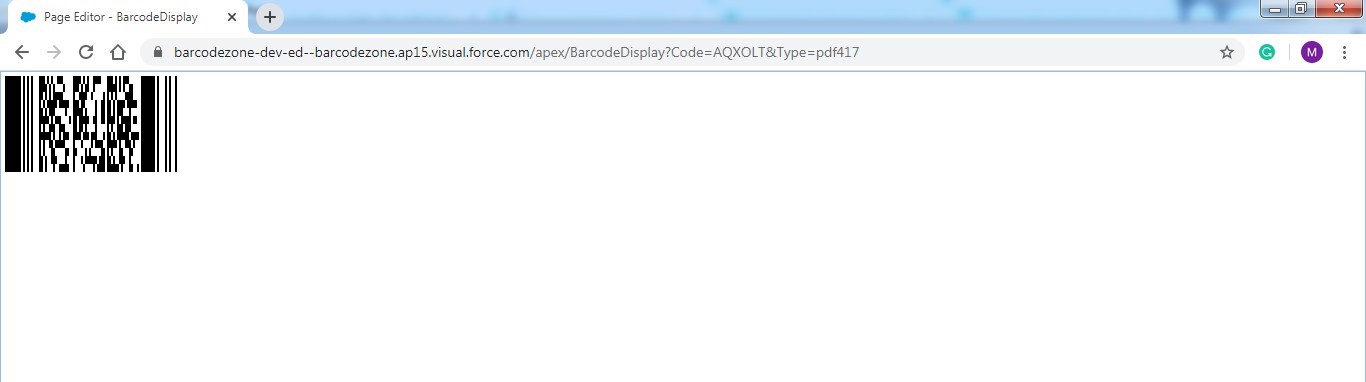
Barcode Code is “AQXOLT” and Barcode Type is “pdf417”.
Was this article helpful?